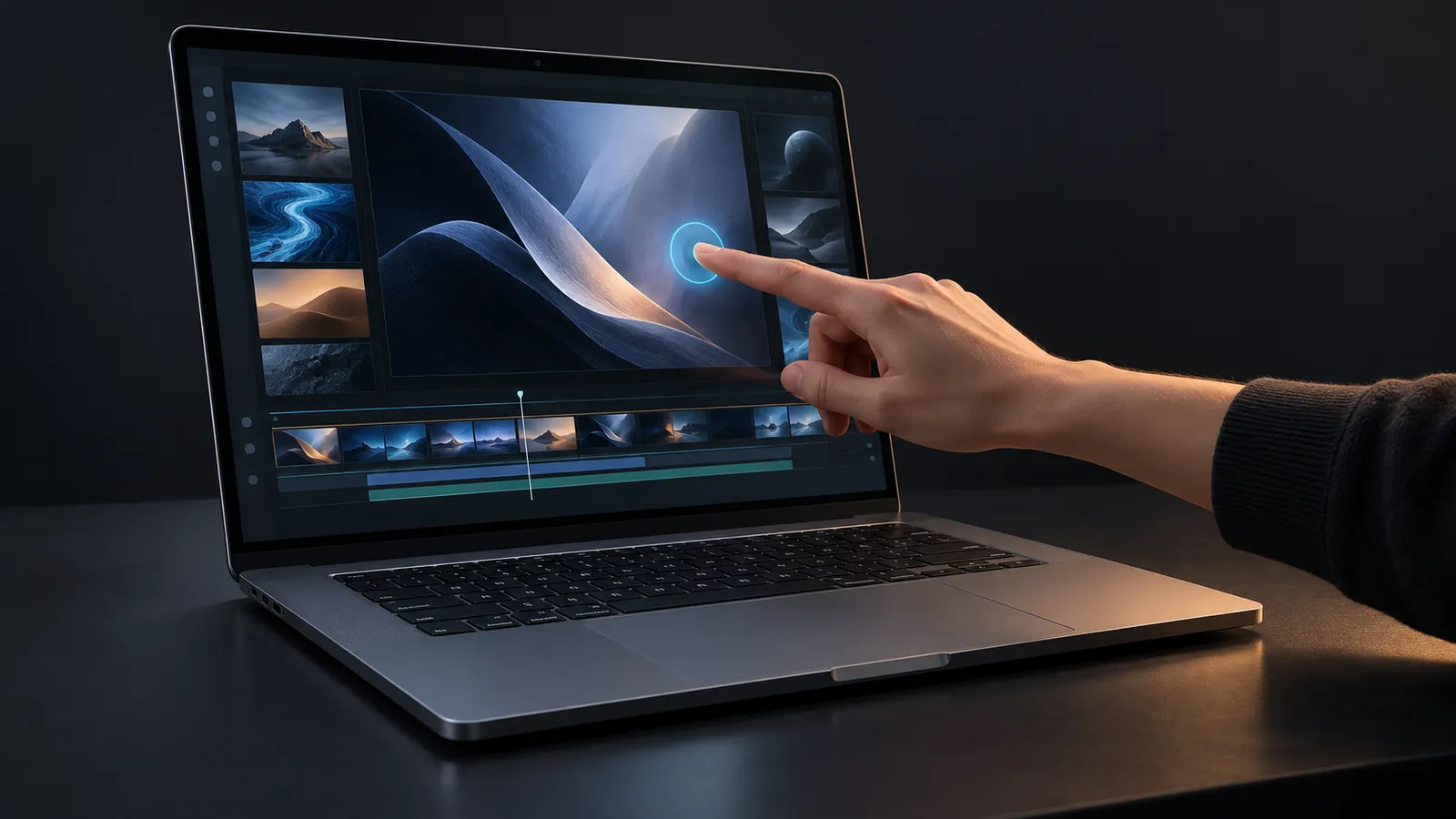
How could a touchscreen MacBook Pro change the macOS experience?
The possibility of a MacBook Pro with a touch-enabled OLED display opens up a broader discussion about how we use a Mac. I am interested in which tasks touch would actually make easier, as much as in the possibility of touching the screen itself.
First, a clear boundary: This post does not treat a touchscreen model, its launch schedule, or its final specifications as a confirmed product announcement. They remain expectations and claims. Apple’s current MacBook Pro specifications list a Liquid Retina XDR display. The following is my assessment of how a potential touchscreen model could affect the product experience.
When a finger helps
Selecting an area directly on a photograph, zooming into a map, or dragging an object in a presentation could feel natural on a touchscreen. These brief interactions might be more convenient than moving a pointer to the target.
For writing long documents, editing code, or working precisely on a timeline, the keyboard, shortcuts, and trackpad would retain their value. I would not want to keep reaching toward an upright screen. A good touchscreen Mac should add another option I can use when it helps, alongside those established habits.
The design question for macOS
Much of the work would be in the interface. A small menu item that is easy to select with a mouse can be difficult to target with a finger. Hover controls, drag gestures, and context menus would also need to be reconsidered for touch.
Filling the entire desktop with oversized buttons is not an appealing solution. A design that understands how the user is interacting at that moment and supports touch without making precise tasks harder would be more useful. This is my expectation for such a device, rather than an announced macOS feature.
For developers, the question is concrete: do focus, selection, and feedback remain consistent when someone uses a mouse, keyboard, and touch within the same application? Hardware detecting a touch does not automatically mean an application offers a good touch experience.
OLED deserves a separate assessment
OLED and touch input are two different features. The prospect of OLED is interesting for image quality, but evaluating a potential device would also require real measurements of brightness, color accuracy, power consumption, and behavior when displaying static interfaces for long periods. The panel label alone cannot answer those questions.
Likewise, it is too early to say that waiting is definitely worthwhile before pricing, battery life, weight, and connectivity are known. For someone who would rarely use touch, a better display or a more portable chassis could carry more weight in the purchasing decision.
My criterion is simple: Does the new interaction make a meaningful step in my daily work easier? If Apple makes this transition, its success will be measured by how willingly we use touch after a few weeks, as much as by our ability to touch the screen for the first time.
The cover is an AI-generated illustrative concept. It does not depict the actual product’s design or specifications.