Serkan Özcan
Latest posts
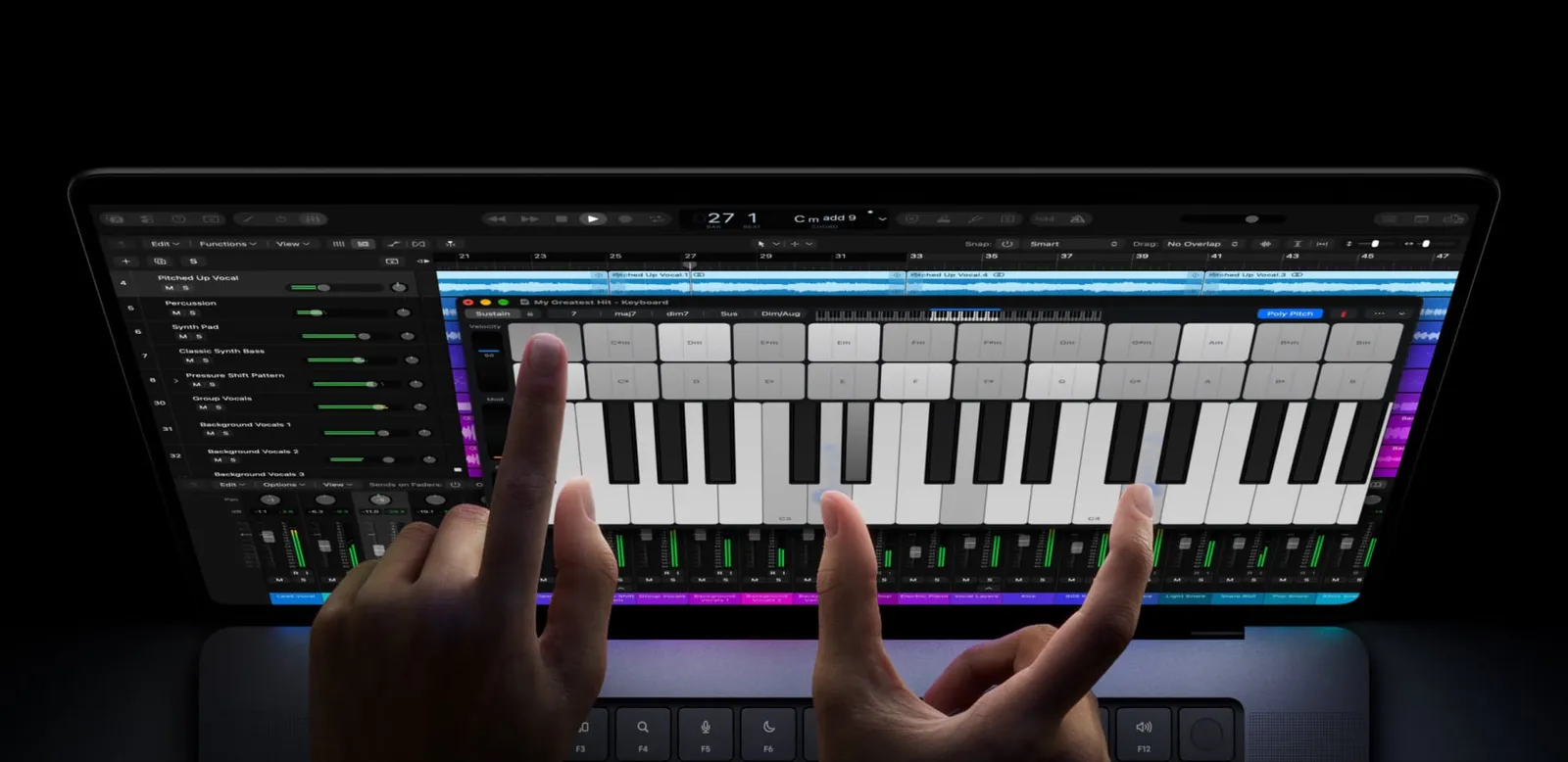
Jobs said "It doesn't work": now Apple is selling a touchscreen MacBook Pro
October 20, 2010. At Apple's "Back to the Mac" event, the company is explaining which ideas Mac is borrowing from iOS. The question is already hanging in the air: if the iPhone and iPad are used with a finger, why can't…
Read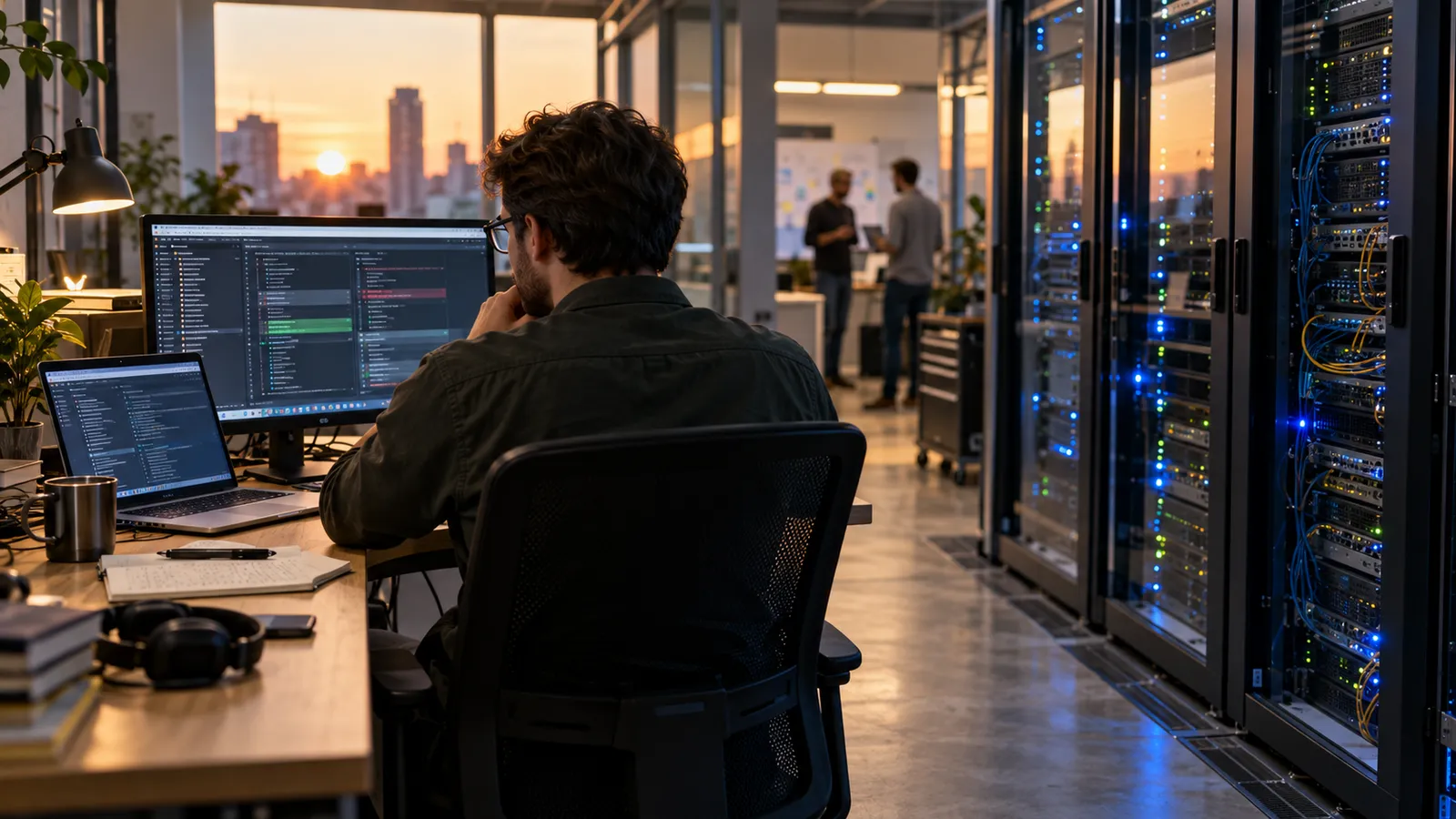
What the PHP crisis taught me: Security is a shared responsibility
The recent PHP vulnerabilities should make everyone who develops software or runs servers reconsider their responsibilities. When we put a working application online, we also take responsibility for maintaining it and…
Read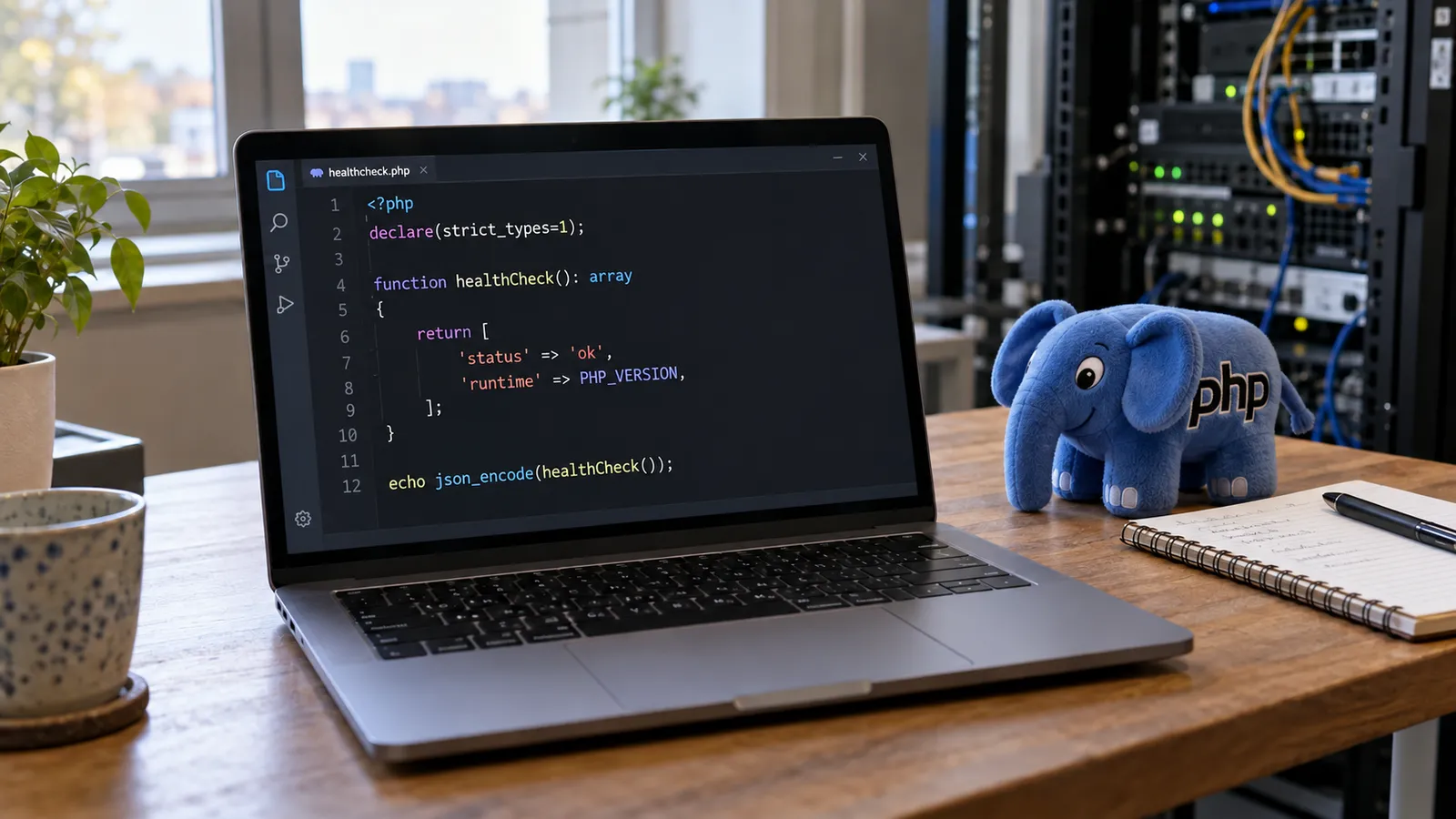
PHP2Shell: Disclosure is not when the risk begins
PHP2Shell refers to CVE-2026-109618 and CVE-2026-109619, two critical vulnerabilities that can allow unauthenticated remote code execution in affected PHP installations. Security updates were released on October 21,…
Read
Türkiye’s official PHP warning: A practical response for organizations
The Turkish Cybersecurity Presidency’s PHP security bulletin TR-26-1372, dated 21 October 2026, calls on organizations to review their PHP systems. My previous post covered the technical vulnerabilities; here I want to…
Read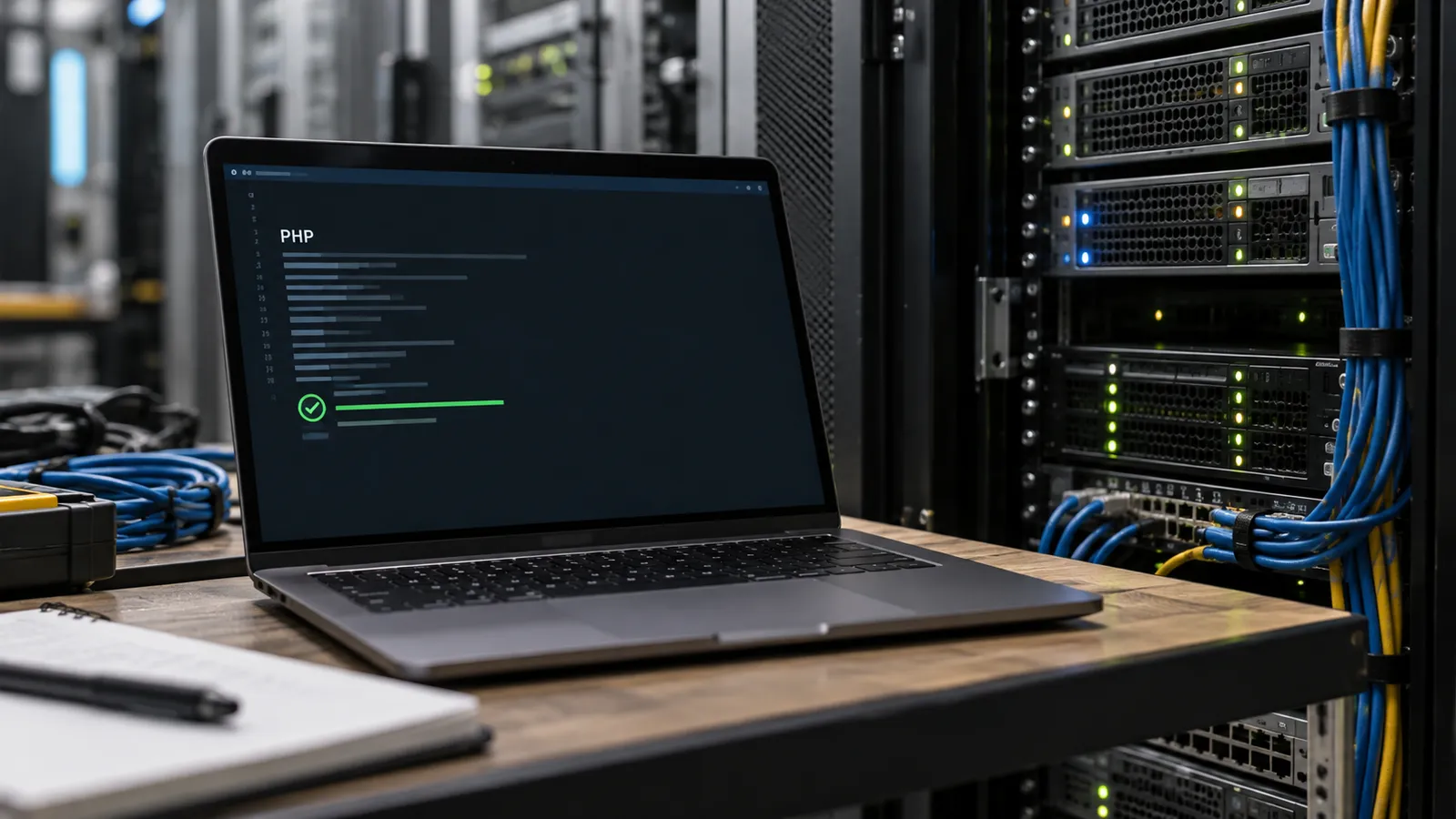
PHP’s critical security alarm: Two flaws and the reality of patching
The PHP security alarm in the October 22, 2026 news cycle concerns the language runtime beneath websites, rather than a defect limited to one application or extension. CVE-2026-109618 and CVE-2026-109619 can allow…
Read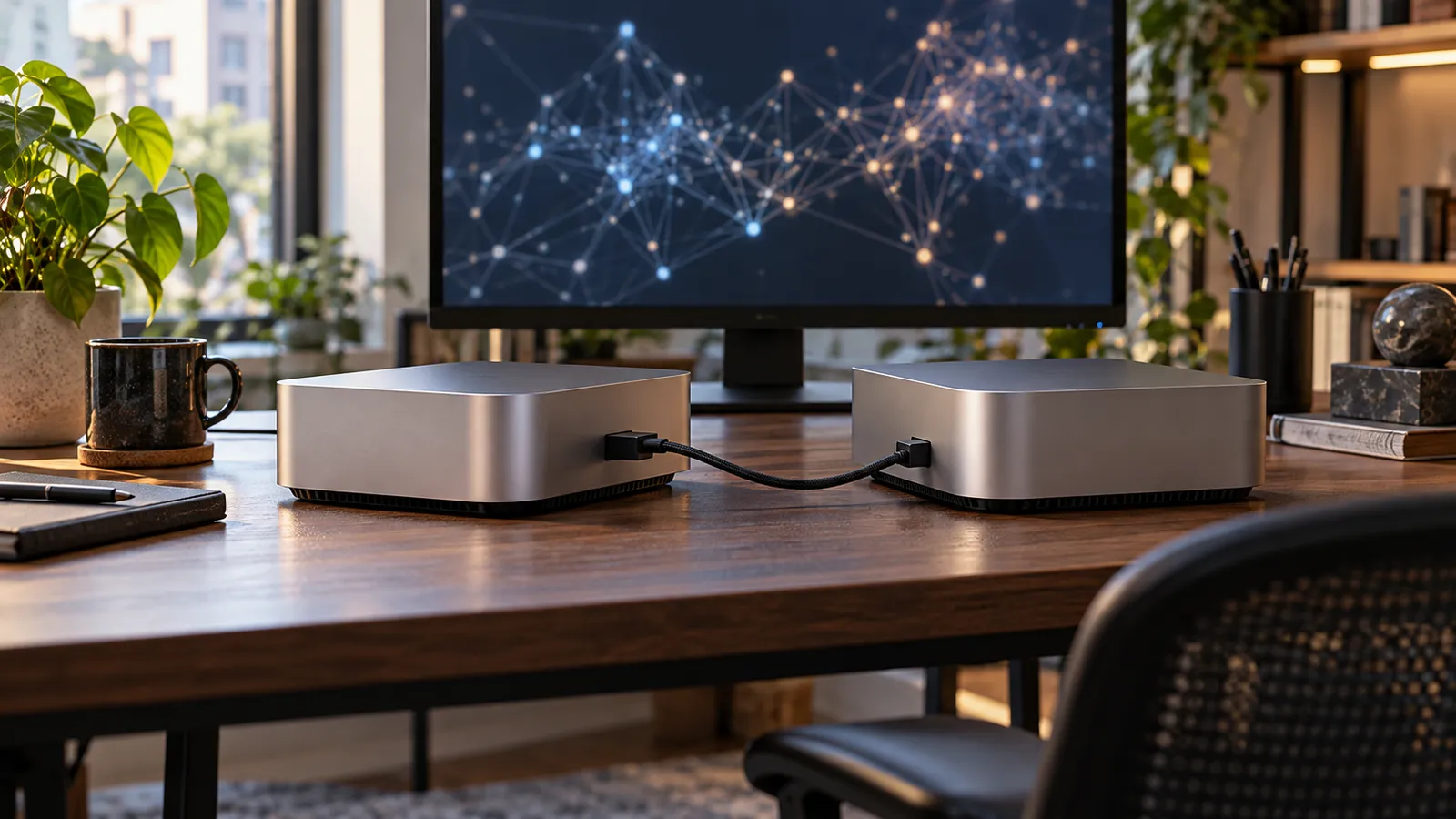
Muse Spark Open: open weights, local inference, and real costs
Downloading a model and running it in your own environment creates another area of control in AI products. It can give you more direct influence over data flows, runtime behavior, and integrations. Accessible weights,…
Read
Internal access for AI oversight: Anthropic's next step
Testing an AI system through external questions alone may not reveal all the risks visible inside its developer. How the model was developed, how safeguards operate, and how previous incidents were handled can all affect…
Read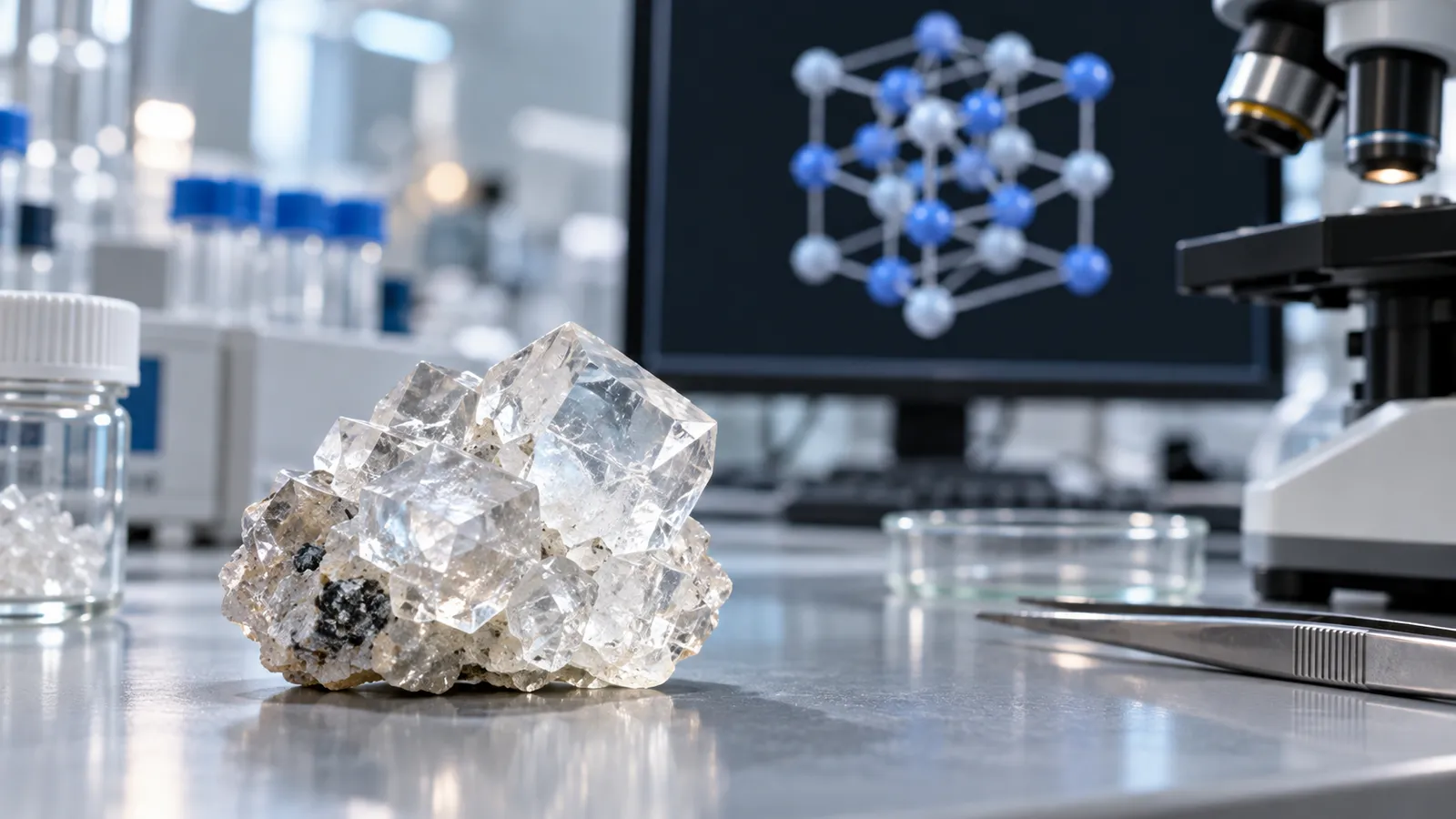
When AI reads crystals: a three-dimensional view of materials discovery
Knowing a material's chemical name is different from understanding how its atoms are arranged. The same components can behave differently in different structures. Materials research therefore contains an important layer…
Read
Anthropic's public benefit fund: sharing the gains from growth
As AI companies grow, who receives the economic value they create becomes a more concrete question. I find the public benefit fund announced by Anthropic on October 18, 2026 interesting because it aims to link its…
Read
Child safety in AI apps: an age label is not enough
An app being available in a store or carrying an age-appropriate rating does not establish that all its features are safe for children. AI image editors make that gap more visible: a seemingly ordinary editing interface…
ReadSomething to discover
3 articlesCreating with AI: more than a tool
Before finding the right answer, ask the right question. A few thoughts on thinking alongside AI.
ReadSmall automations, more room to breathe
We do not have to automate everything. Sometimes removing a single repetition is enough.
ReadMaking a little space for yourself online
Thoughts that keep growing, rather than finished ideas. Why is a personal website still a lovely idea?
Read